NYSC Portal Login 2026: How to Sign In, Fix Login Problems & Access Your Dashboard
If you are trying to access the NYSC portal login, you are not alone. Every year, thousands of Nigerian graduates search for how to log in to the NYSC portal to complete registration, check deployment status, print call-up letters, or manage their dashboard.
The NYSC portal login is the gateway to all official NYSC online activities. However, many users experience issues such as login errors, forgotten passwords, portal not loading, or confusion about which link to use. These problems are especially common during peak registration and deployment periods.
This 2026 guide explains everything you need to know about NYSC portal login, including the correct login link, what you can do after signing in, common login problems Nigerians face, and how to fix them safely without falling for scams.
Section 1: Understanding the NYSC Portal Login and How It Works
Before attempting to log in, it is important to understand what the NYSC portal is, what the login page does, and why access may sometimes be limited or unavailable.
What Is the NYSC Portal?
The NYSC portal is the official online platform managed by the National Youth Service Corps (NYSC). It is designed to handle all digital processes related to national service, including:
- Online registration for prospective corps members
- Printing call-up letters
- Printing exemption letters
- Checking deployment status
- Accessing the NYSC dashboard
- Applying for corrections or relocation (when available)
The portal is the only legitimate online platform for NYSC activities.
Official NYSC Portal Login Link (Very Important)
To access the NYSC portal login, always use the official website:
Avoid clicking links sent through WhatsApp groups, Telegram channels, or random websites claiming to offer “faster login” or “special access.” NYSC does not operate multiple login portals.
What Does NYSC Portal Login Allow You to Do?
Once you successfully log in to the NYSC portal, you can access your NYSC dashboard, where you may be able to:
- Complete NYSC online registration
- View your registration status
- Print your green card
- Check if your call-up letter is available
- Print call-up or exemption letters
- Update limited personal information (when allowed)
The options visible on your dashboard depend on:
- Your current NYSC batch
- Whether registration is open
- Whether deployment has been completed
This is why some users log in successfully but do not see certain options.
Who Can Use the NYSC Portal Login?
You can use the NYSC portal login if:
- You have created an NYSC account
- You registered with a valid email address
- Your institution has uploaded your name on the senate list
- You are eligible for NYSC registration or documentation
If you have never registered before, you must first create an account before logging in.
Difference Between NYSC Portal Login and NYSC Registration
Many Nigerians confuse logging in with registering.
- NYSC registration: Creating an account and submitting personal, academic, and biometric details
- NYSC portal login: Signing in to access your dashboard after registration
You cannot log in without first creating an account during an active registration window.
When NYSC Portal Login Is Available
The NYSC portal login page is usually accessible throughout the year, but what you can do after logging in depends on NYSC schedules.
For example:
- Login may be open, but registration is closed
- Login may work, but call-up letters are not yet released
- Login may be temporarily unavailable due to maintenance
This often leads people to ask whether the portal is “not working,” when it is actually just inactive for certain services.
Common Reasons People Cannot Access NYSC Portal Login
Before assuming there is a serious issue, consider these common reasons:
- Wrong email address or password
- Registration window has closed
- Portal traffic overload
- Browser or network issues
- Using unofficial or outdated links
Most login issues are temporary and can be fixed without external help.
Security Warning About NYSC Portal Login
Never share your NYSC login details with:
- Cyber café operators you do not trust
- “Agents” claiming they can fix login problems
- Anyone asking for ₦5,000–₦20,000 to “unlock” your dashboard
NYSC login is free. Anyone asking for payment is likely trying to scam you.
How to Know You Are on the Correct Login Page
The genuine NYSC portal login page will:
- Use the portal.nysc.org.ng domain
- Not ask for payments before login
- Display official NYSC branding
- Redirect you to your dashboard after successful login
If any page asks for payment details before login, close it immediately.
Step-by-Step NYSC Portal Login Process & How to Fix Common Login Problems (2026)
Now that you understand what the NYSC portal login is and what it allows you to do, this section focuses on the exact steps to log in successfully and how to fix the most common login problems Nigerian users face in 2026.
Many login issues happen due to small mistakes, outdated information, or heavy traffic on the NYSC portal. Following the steps below carefully will help you avoid unnecessary frustration.
Step-by-Step Guide to NYSC Portal Login (2026)
To access your NYSC dashboard, follow these steps exactly.
Step 1: Visit the Official NYSC Portal
Open your browser and go to the official NYSC portal:
Make sure:
- Your internet connection is stable
- You are not using a VPN
- You are on a secure device
Avoid using links from third-party websites.
Step 2: Click on “Login Here”
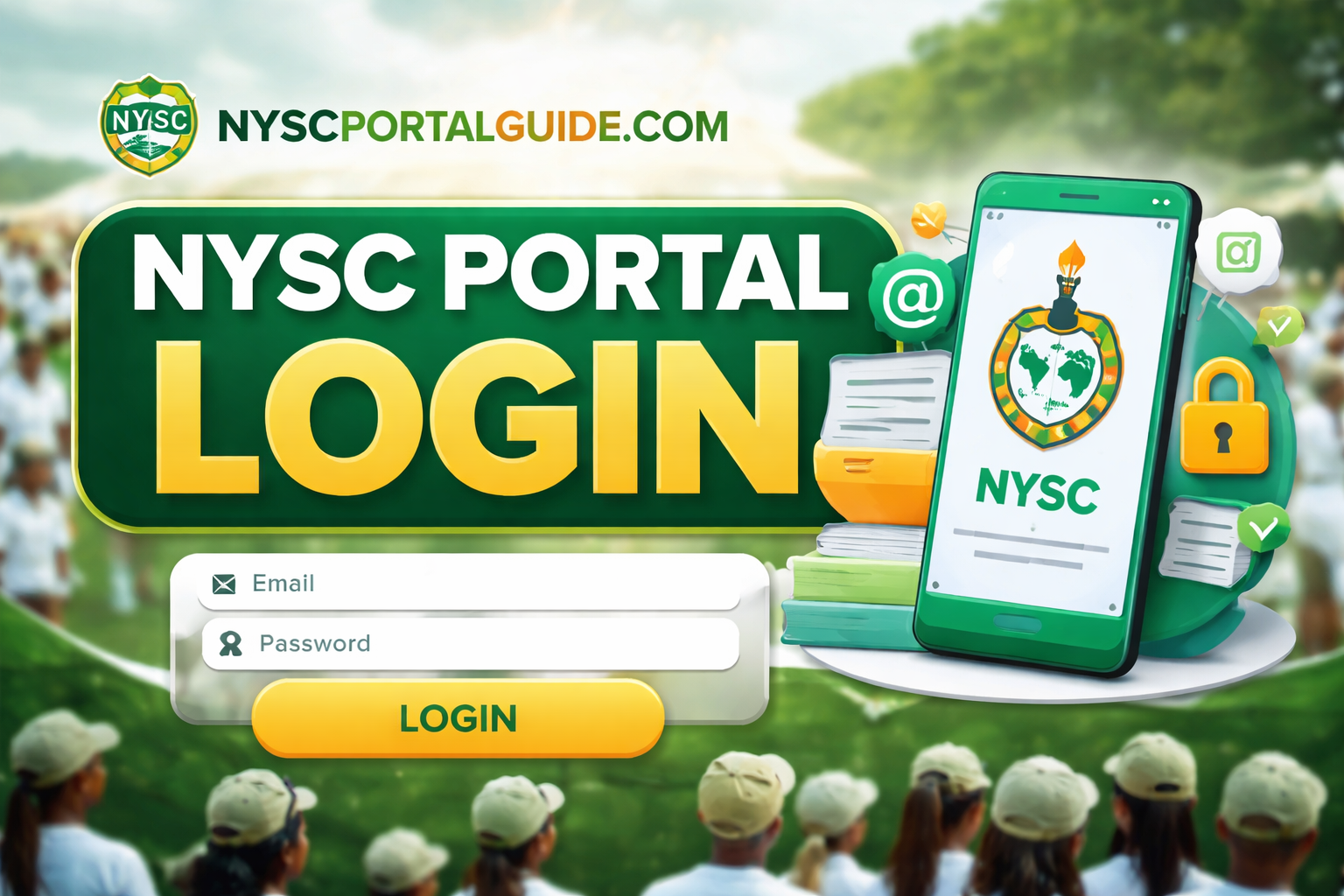
On the NYSC portal homepage, click the “Login Here” button. This will take you to the NYSC portal login page.
You will see fields asking for:
- Email address
- Password
These are the details you used during NYSC registration.
Step 3: Enter Your Correct Login Details
Input:
- The email address you used during registration
- Your NYSC password
Then click “Login.”
If your details are correct, you will be redirected to your NYSC dashboard.
Step 4: Access Your NYSC Dashboard
Once logged in, your dashboard may show options such as:
- Print green card
- Check call-up letter
- Print exemption letter
- Check deployment status
- View personal details
What you see depends on:
- Your NYSC batch
- Whether registration or deployment is active
- NYSC timelines
Common NYSC Portal Login Problems and Their Solutions
If you are unable to log in, do not panic. Below are the most common issues Nigerians face and how to fix them.
Problem 1: “Invalid Login Details”
This is the most common NYSC portal login error.
Possible causes:
- Wrong email address
- Wrong password
- Typing error
How to fix it:
- Confirm the email you used during registration
- Check for spelling mistakes
- Turn off caps lock
- Try again carefully
If the error persists, reset your password.
Problem 2: Forgotten NYSC Portal Password
If you forget your password, use the official password recovery option.
Steps to reset password:
- Go to the NYSC portal login page
- Click “Forgot Password?”
- Enter your registered email address
- Check your email for the reset link
- Create a new password
- Return to the login page and sign in
📌 Tip: Check your spam or promotions folder if you don’t see the email.
Problem 3: NYSC Portal Login Page Not Opening
Sometimes the login page may fail to load.
Common reasons:
- Heavy traffic on the NYSC portal
- Network issues
- Browser problems
Solutions:
- Refresh the page after a few minutes
- Try late night or early morning (low traffic)
- Switch browsers (Chrome or Firefox recommended)
- Clear browser cache
Problem 4: Logged In but Dashboard Is Blank
Some users successfully log in but see no options.
This usually means:
- Registration is closed
- Call-up letters are not yet released
- NYSC has restricted access temporarily
There is nothing wrong with your account. You need to wait for the next active NYSC stage.
Problem 5: Portal Keeps Logging You Out
This can happen due to:
- Weak internet connection
- Session timeout
- Multiple logins from different devices
Fix:
- Use a stable network
- Avoid opening multiple tabs
- Log out properly after each session
Can You Use a Phone for NYSC Portal Login?
Yes. You can access the NYSC portal login using:
- Android phones
- iPhones
- Tablets
However:
- A laptop or desktop is better for printing documents
- Some features work more smoothly on computers
If using a phone, ensure pop-ups are enabled for PDF downloads.
Using Cyber Cafés for NYSC Portal Login (Important Warning)
If you must use a cyber café:
- Watch every step of the login process
- Do not allow them save your password
- Log out completely after use
- Clear browser history if possible
Never allow anyone to “hold” your login details.
NYSC Portal Login Safety Tips
To protect your NYSC account:
- Do not share login details with agents
- Avoid paying anyone to “fix” login problems
- Use your own email address
- Change your password if you suspect compromise
NYSC does not charge for login or dashboard access.
Internal Tip for NYSC Portal Guide Readers
If you can log in but:
- Cannot see call-up letter
- See deployment issues
- Encounter portal errors
Check related guides on nyscportalguide.com that explain each issue in detail.
Advanced NYSC Portal Login Troubleshooting, FAQs, and Final Tips (2026)
Even after following the correct steps for NYSC portal login, some users still experience issues that are confusing or frustrating. This final section focuses on less common login problems, clears up popular myths, answers frequently asked questions, and gives you practical tips to use the NYSC portal safely and confidently in 2026.
Advanced NYSC Portal Login Issues and How to Fix Them
Below are problems that don’t happen to everyone but still affect many Nigerian users during peak NYSC periods.
Issue 1: NYSC Portal Login Works but Features Are Missing
Some users log in successfully but cannot see options like:
- Print call-up letter
- Print exemption letter
- Correction of data
- Relocation options
What this means
- That feature is not yet active
- NYSC has not reached that stage for your batch
- The portal is temporarily restricted
This is normal. NYSC enables features in phases, not all at once.
Issue 2: “You Are Not Eligible to Login” Message
This message usually appears when:
- Registration is closed
- Your name is not on the senate list
- You are trying to log in before your batch is activated
What to do
- Confirm your senate list status
- Wait for official NYSC announcements
- Do not attempt multiple registrations
Issue 3: Login Redirects Back to Homepage
This is often caused by:
- Browser cookies issues
- Session timeout
- Weak internet connection
Fix
- Clear cookies and cache
- Refresh the page
- Try a different browser
- Avoid using incognito mode
Issue 4: Email Exists but Login Still Fails
If your email exists but login keeps failing:
- You may have registered under a different email
- Password reset email may be going to spam
- Portal may be under maintenance
Always try password reset first before assuming a bigger issue.
Common Myths About NYSC Portal Login (Avoid These Mistakes)
Let’s clear up misinformation that causes panic.
❌ Myth: You must pay to unlock your NYSC dashboard
✅ Truth: NYSC portal login is completely free
❌ Myth: Agents can “open” the portal for you
✅ Truth: Portal access is controlled only by NYSC
❌ Myth: If you can’t log in today, your registration is lost
✅ Truth: Portal downtime is common and temporary
❌ Myth: Using a cyber café automatically fixes login issues
✅ Truth: Cyber cafés do not have special access
NYSC Portal Login Safety Checklist
To protect your account in 2026, always follow these rules:
- Use only https://portal.nysc.org.ng
- Never share your password
- Avoid unofficial NYSC “help” groups
- Log out after every session
- Change your password if you suspect compromise
- Do not pay anyone claiming they can fix login problems
Scams increase during NYSC registration periods — stay alert.
Frequently Asked Questions (FAQ)
What is the official NYSC portal login link?
The only official login link is:
👉 https://portal.nysc.org.ng
Can I log in to the NYSC portal without registering?
No. You must create an account during an active registration window before you can log in.
Why is my NYSC portal login not working even with correct details?
Possible reasons include portal maintenance, heavy traffic, or inactive batch stages. Try again later.
Can I use my phone for NYSC portal login?
Yes. Phones work, but laptops are better for printing documents.
What should I do if I forget both my email and password?
You’ll need to recover your email first. NYSC cannot reset accounts without the registered email.
Is NYSC portal login available all year?
The login page may be accessible, but services on the dashboard open and close based on NYSC schedules.
Can someone else log in for me?
Technically yes, but it is risky. You are responsible for all actions taken on your account.
Final Tips for Smooth NYSC Portal Login in 2026
- Always follow official NYSC timelines
- Be patient during high-traffic periods
- Avoid shortcuts and agents
- Prepare documents early
- Keep your login details secure
The National Youth Service Corps controls all portal access, and delays are usually system-wide — not personal.
Conclusion: Using NYSC Portal Login the Right Way
The NYSC portal login is the central access point for all NYSC online activities, from registration to call-up letter printing. Understanding how it works, why issues happen, and how to fix them helps you avoid stress, scams, and unnecessary expenses.
By using the official portal, following correct steps, and staying updated with NYSC schedules, you can access your dashboard smoothly and complete every stage of the NYSC process without problems.
For more detailed NYSC guides, including registration requirements, call-up letters, camp preparation, and portal troubleshooting, continue exploring nyscportalguide.com, an independent informational platform built to help Nigerian graduates navigate NYSC clearly and confidently in 2026.