NYSC Registration Portal 2026: Official Link, How Registration Works & What You Must Know
If you are searching for the NYSC registration portal, it likely means you are preparing to register for the National Youth Service Corps or you want clear information on how the registration process works. Every year, thousands of Nigerian graduates rely on the NYSC registration portal to begin their service journey.
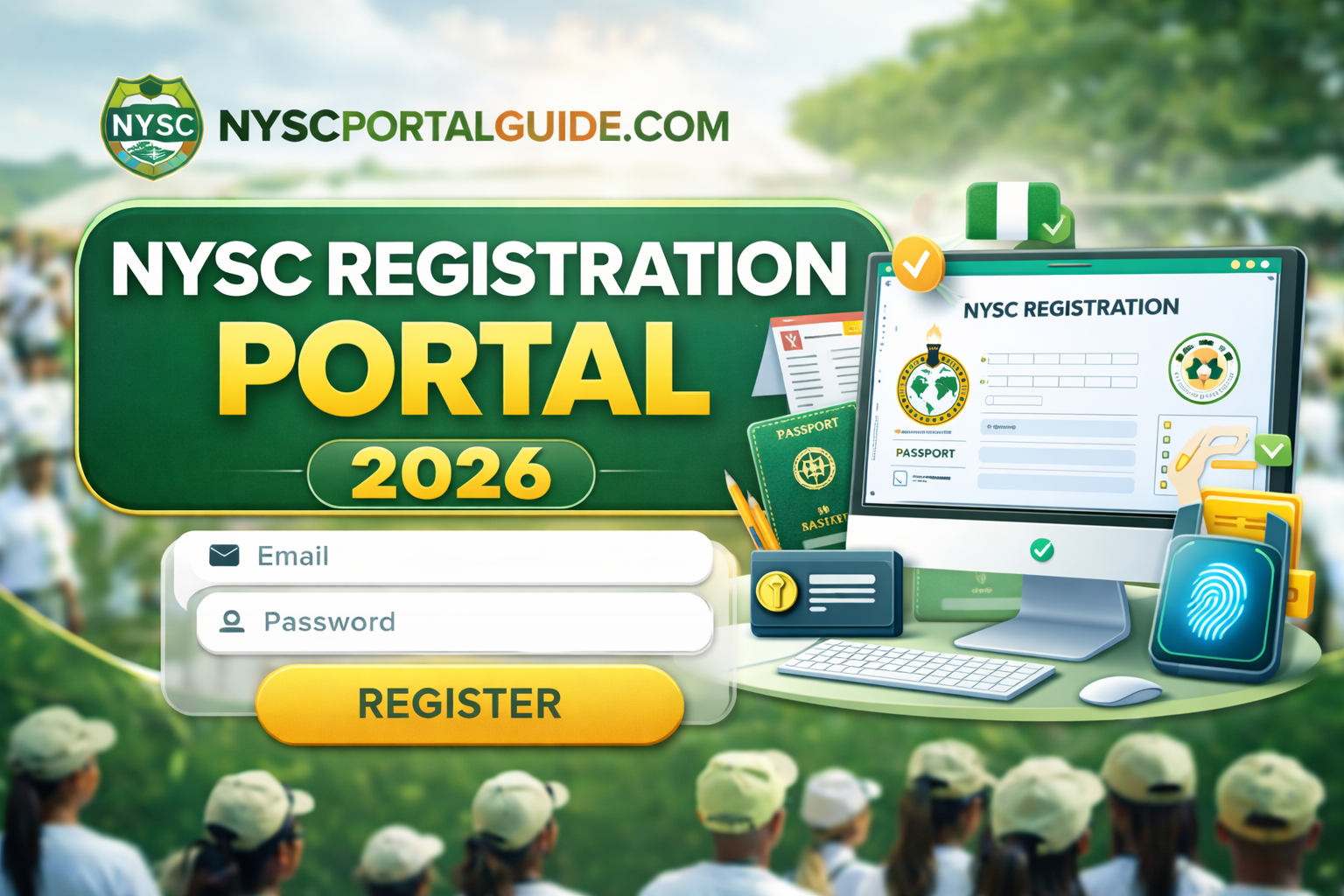
The NYSC registration portal is the only official platform where prospective corps members complete their online registration, upload documents, capture biometrics, and generate important NYSC records. Because the portal only opens at specific times and operates in stages, many users get confused about when and how to use it.
This 2026 guide explains everything you need to know about the NYSC registration portal, including what it is, how it works, who can use it, when it opens, and the most important things to understand before attempting registration.
Section 1: What the NYSC Registration Portal Is and How It Works
Before attempting to register, it is important to clearly understand what the NYSC registration portal is, how it functions, and why access to the portal is controlled by strict timelines.
What Is the NYSC Registration Portal?
The NYSC registration portal is the official online platform managed by the National Youth Service Corps (NYSC) for handling all registration-related activities for prospective corps members.
It is used to:
- Create NYSC accounts
- Complete online registration
- Upload academic and personal documents
- Capture biometric data
- Generate NYSC green cards
- Prepare candidates for deployment
The portal is mandatory for anyone eligible for NYSC. There is no alternative or offline registration method.
Official NYSC Registration Portal Link (Important)
The only legitimate NYSC registration portal is:
Any other website claiming to offer NYSC registration services, shortcuts, or special access should be avoided. NYSC does not operate multiple registration portals.
Who Can Use the NYSC Registration Portal?
You can only use the NYSC registration portal if you meet NYSC eligibility requirements. Generally, the portal is meant for:
- Nigerian graduates of universities and polytechnics
- Graduates whose institutions have uploaded their names on the senate list
- Foreign-trained Nigerian graduates (with additional documentation)
If your name has not been submitted by your institution, you will not be able to complete registration even if the portal is open.
Difference Between NYSC Registration Portal and NYSC Portal Login
Many users confuse these two terms.
- NYSC registration portal refers to the section of the portal used specifically for new registration
- NYSC portal login refers to signing into an existing account to access the dashboard
You cannot log in until you first create an account during an active registration window.
When the NYSC Registration Portal Opens
The NYSC registration portal does not remain open all year. It opens only during specific periods based on NYSC mobilisation schedules.
Typically:
- The portal opens for Batch A, Batch B, and Batch C
- Each batch has its own registration window
- Once registration closes, new registrations are disabled
This is why many Nigerians ask questions like:
- “Is NYSC registration portal open?”
- “Why is NYSC portal not registering?”
- “When will NYSC registration portal open again?”
What Happens When the Portal Is Closed?
When the NYSC registration portal is closed:
- You cannot create a new NYSC account
- You cannot submit registration details
- You may still be able to log in, but registration options will be unavailable
This does not mean there is a problem with your account. It simply means NYSC has ended that registration phase.
Why the NYSC Registration Portal Has Stages
NYSC registration does not happen all at once. The portal works in stages to manage traffic and ensure proper verification.
Common stages include:
- Account creation
- Personal data entry
- Document upload
- Biometric capture
- Final submission
- Green card generation
NYSC activates and deactivates these stages gradually to prevent system overload.
Common Misunderstandings About the NYSC Registration Portal
Many issues arise from misinformation. Here are important clarifications:
- Registration is free (no compulsory payment to NYSC)
- Agents cannot open the portal for you
- Cyber cafés do not have special access
- Registration does not guarantee immediate deployment
Any request for ₦5,000–₦20,000 to “help you register” is suspicious.
Why the NYSC Registration Portal Can Be Slow
During peak periods, millions of users try to access the portal at the same time. This can cause:
- Slow page loading
- Temporary downtime
- Failed submissions
This is normal and usually resolves when traffic reduces, especially late at night or early morning.
How to Know You Are on the Correct Registration Page
A genuine NYSC registration portal page will:
- Use the portal.nysc.org.ng domain
- Display official NYSC branding
- Not request payment before registration
- Redirect you to your personal dashboard after submission
If a page asks for card details before registration, exit immediately.
Security Warning for NYSC Registration Portal Users
Never share your registration details with:
- Unverified cyber café operators
- WhatsApp or Telegram “NYSC agents”
- Anyone promising special deployment
You are responsible for all information submitted through your account.
Section 2: How to Register on the NYSC Registration Portal Step by Step (2026)
Now that you understand what the NYSC registration portal is and when it opens, this section explains exactly how to complete your registration correctly. Many Nigerian graduates make avoidable mistakes during registration, which later cause delays, redeployment issues, or document problems. Following the steps below carefully will help you avoid such issues.
Step 1: Prepare All Required Documents Before Registration
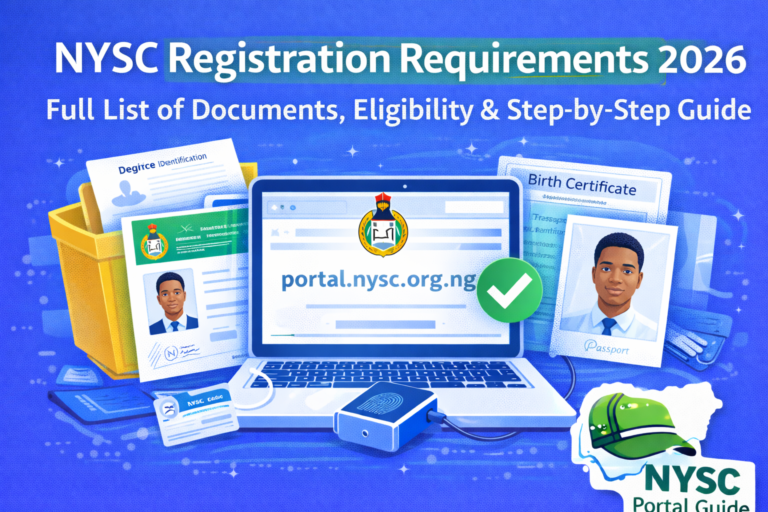
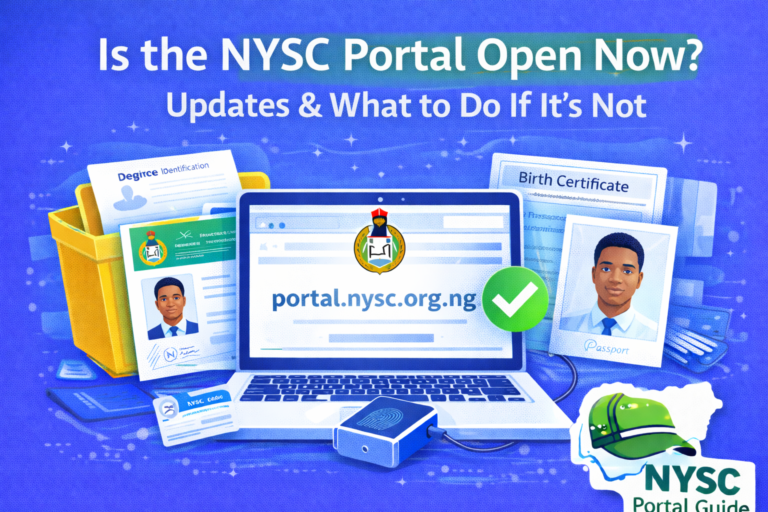
Before visiting the NYSC registration portal, ensure you have the following ready:
- Valid email address (active and accessible)
- Phone number
- JAMB registration number (for locally trained graduates)
- Degree certificate or statement of result
- Passport photograph (white background recommended)
- Birth certificate or age declaration
- Means of identification (NIN, international passport, or voter’s card)
Foreign-trained graduates may also need:
- International passport data page
- Entry visa page
- Residence permit (if applicable)
Preparing these documents in advance prevents interruptions during registration.
Step 2: Visit the NYSC Registration Portal
Go to the official portal:
Click on “Registration for Mobilization” when the portal is open.
If registration is closed, you will not see this option. Do not attempt unofficial links.
Step 3: Create an NYSC Account
First-time users must create an account.
You will be required to:
- Enter your email address
- Create a password
- Confirm your password
Use an email you check regularly, as all NYSC updates and password resets will be sent there.
Step 4: Verify Eligibility and Senate List Status
After creating an account, the system checks your eligibility.
If your name is on the senate list:
- You can proceed with registration
If your name is not found:
- Stop registration
- Contact your institution’s student affairs office
The NYSC registration portal cannot override senate list issues.
Step 5: Fill in Personal and Academic Details
You will be asked to enter:
- Full name (exactly as on your certificate)
- Date of birth
- Marital status
- Institution details
- Course of study
Be extremely careful here. Errors in names or dates can affect deployment and document printing.
Step 6: Upload Documents on the NYSC Registration Portal
Upload all required documents in the specified formats.
Tips:
- Ensure images are clear
- Avoid blurred or cropped documents
- Use correct file sizes
- Follow NYSC upload guidelines strictly
Incorrect uploads may lead to delays or rejection.
Step 7: Biometric Capture
The biometric stage is compulsory.
You will be required to:
- Capture fingerprints
- Take a facial photograph
Use a device with good camera quality and follow on-screen instructions carefully.
Step 8: Review and Submit Registration
Before final submission:
- Review all details carefully
- Confirm spelling and dates
- Understand that some corrections may be limited after submission
Once submitted, the system generates your NYSC green card, which you should print and keep safely.
Common Registration Mistakes to Avoid on the NYSC Registration Portal
Many issues later faced by corps members start during registration. Avoid these common mistakes:
Using Incorrect Personal Details
Using names or dates that do not match your official documents can cause serious issues during deployment or camp registration.
Rushing Through Registration
Trying to finish quickly without reviewing details often leads to errors that are difficult to correct later.
Paying Agents or Middlemen
Registration is free. Anyone demanding ₦5,000–₦20,000 to “help you register” is likely exploiting you.
Using Unreliable Cyber Cafés
If you must use a café:
- Watch the process closely
- Do not allow passwords to be saved
- Log out completely after registration
What Happens After Successful Registration?
After completing registration on the NYSC registration portal:
- Your details are processed by NYSC
- Deployment is prepared
- Call-up letters are released later
- Orientation camp details become available
At this stage, your dashboard will update gradually as NYSC moves to the next phase.
Section 3: NYSC Registration Portal Problems, FAQs, Safety Tips & Final Guidance (2026)
Even after following the correct steps on the NYSC registration portal, many Nigerian graduates still face issues that cause confusion, delays, or unnecessary panic. This final section explains common registration problems, clears up misinformation, answers frequently asked questions, and provides practical guidance to help you complete NYSC registration smoothly in 2026.
Common Problems on the NYSC Registration Portal and How to Fix Them
Most issues experienced on the NYSC registration portal are system-related or timing-related, not personal errors. Understanding this can save you stress.
Problem 1: “No Record Found” or Name Not on Senate List
This is one of the most common issues.
What it means
- Your institution has not uploaded your details
- Your records are incomplete or incorrect
- NYSC has not activated your institution yet
What to do
- Contact your school’s student affairs office
- Confirm that your name was submitted correctly
- Do not attempt registration until resolved
NYSC cannot fix senate list issues on your behalf.
Problem 2: NYSC Registration Portal Is Slow or Not Loading
During peak registration periods, millions of users try to access the portal at the same time.
This can cause
- Slow loading pages
- Login failures
- Submission errors
Solutions
- Try late night or early morning
- Use a stable internet connection
- Avoid refreshing repeatedly
- Switch browsers if necessary
This is normal and usually temporary.
Problem 3: Error During Biometric Capture
Biometric capture sometimes fails due to:
- Poor camera quality
- Incompatible devices
- Browser restrictions
What to do
- Use a laptop or desktop if possible
- Ensure good lighting
- Follow NYSC instructions carefully
- Try again later if the system is busy
Problem 4: Cannot Edit Information After Submission
Once you submit your registration:
- Some fields become locked
- Corrections may only be allowed during specific windows
Important
Always double-check your details before final submission. Not all errors can be corrected.
Problem 5: Dashboard Shows “Processing” for a Long Time
This usually means:
- NYSC is verifying records
- Deployment preparation is ongoing
No action is required unless NYSC announces otherwise.
Safety Tips When Using the NYSC Registration Portal
To protect yourself during registration:
- Use only https://portal.nysc.org.ng
- Do not share login details
- Avoid agents asking for ₦5,000–₦20,000
- Log out after each session
- Keep copies of all printed documents
- Use your personal email address
The National Youth Service Corps does not authorize third parties to collect fees for registration.
Frequently Asked Questions (FAQ)
What is the official NYSC registration portal?
The official portal is:
👉 https://portal.nysc.org.ng
All NYSC registrations are done only on this website.
Is NYSC registration free?
Yes. NYSC registration is free. Payments are only optional for extras like camp kits or café services.
Can I register on the NYSC portal with my phone?
Yes, but laptops are recommended for document upload and biometric capture.
Why can’t I register even though the portal is open?
Possible reasons include:
- Name not on senate list
- Registration window closed for your batch
- Incomplete eligibility requirements
Can someone register for me?
Yes, but it is risky. You are responsible for all information submitted.
Will NYSC registration guarantee immediate deployment?
No. Deployment depends on NYSC schedules and batch timelines.
What happens after I complete registration?
After registration:
- NYSC processes your data
- Call-up letters are released later
- Orientation camp details are announced
Final Tips for Using the NYSC Registration Portal Successfully
- Prepare documents early
- Follow official NYSC announcements
- Be patient during peak periods
- Avoid shortcuts and agents
- Review all details carefully before submission
Most problems arise from rushing or misinformation.
Conclusion: Using the NYSC Registration Portal the Right Way in 2026
The NYSC registration portal is the foundation of your entire NYSC journey. From account creation and document upload to biometric capture and deployment preparation, everything begins on this platform.
By understanding how the portal works, registering at the right time, avoiding common mistakes, and using only official links, you can complete your registration without stress or unnecessary expenses.
For more step-by-step NYSC guides — including call-up letters, dashboard access, camp requirements, and portal troubleshooting — continue exploring nyscportalguide.com, an independent informational resource created to help Nigerian graduates navigate NYSC clearly, safely, and confidently in 2026.