NYSC Registration Portal 2026: Official Registration Guide, Requirements, Login & Latest Updates
The NYSC Registration Portal is the official online platform where eligible Nigerian graduates complete their registration for the National Youth Service Corps (NYSC). Whether you are registering for the first time, checking your registration status, or preparing for the next mobilization batch, understanding how the NYSC Registration Portal works is essential for a smooth registration experience.
Every year, thousands of prospective corps members experience delays because they miss important registration requirements, use unofficial websites, or misunderstand how the registration process works. Fortunately, most of these problems can be avoided when you know the correct steps and use only the official NYSC portal.
This updated 2026 guide explains everything you need to know about the NYSC Registration Portal, including the official registration link, eligibility requirements, registration process, required documents, senate list verification, biometric capture, common registration mistakes, and useful tips to help you complete your NYSC registration successfully.
Section 1: Understanding the NYSC Registration Portal and How It Works
Before beginning your NYSC registration, it is important to understand what the NYSC Registration Portal is, who can use it, and why it plays such an important role in the entire mobilization process.
Many prospective corps members rush into registration without fully understanding how the portal operates. As a result, they make avoidable mistakes that delay their mobilization or create unnecessary stress. Learning the basics first will help you complete your registration with confidence.
What Is the NYSC Registration Portal?
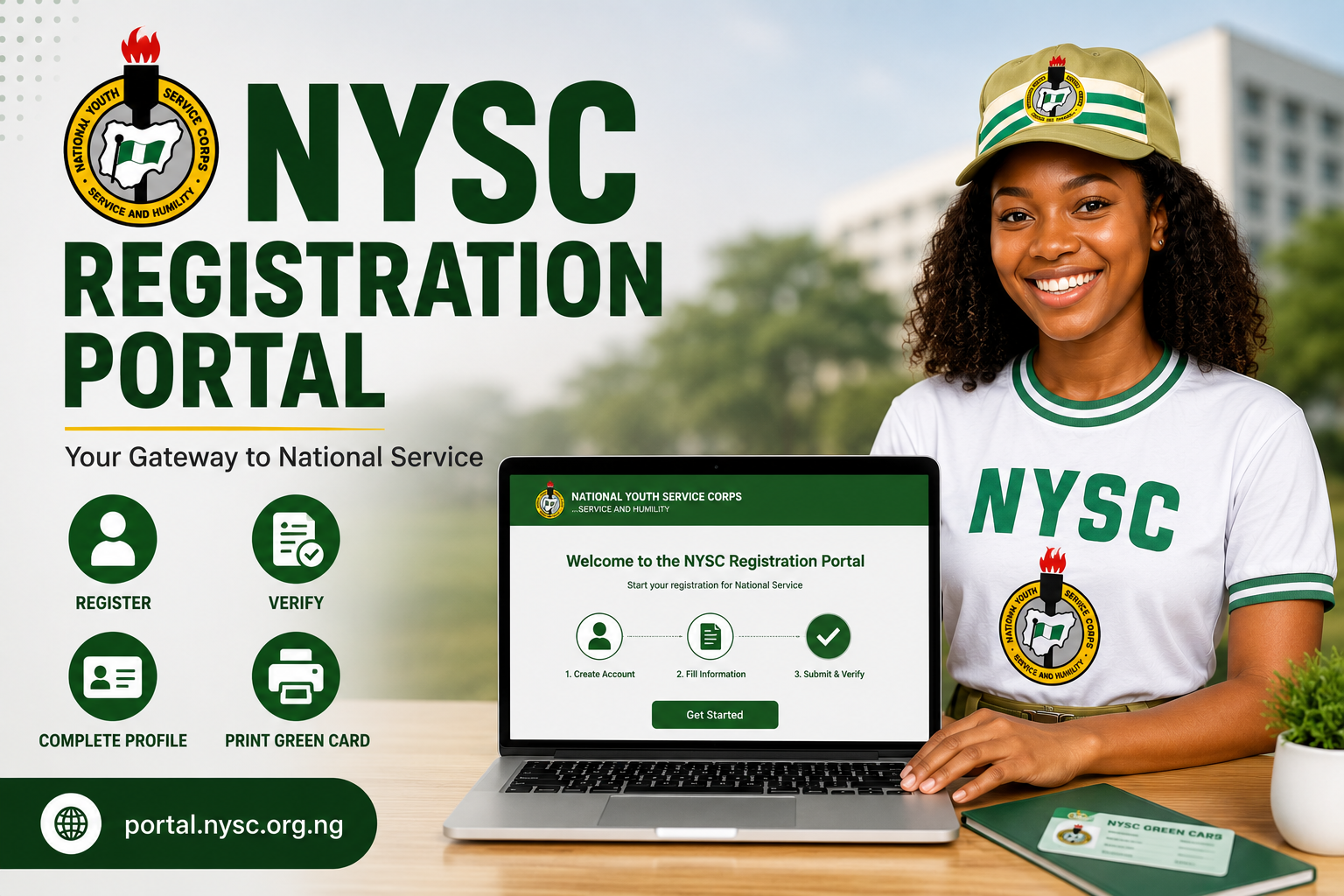
The NYSC Registration Portal is the official online registration platform managed by the National Youth Service Corps (NYSC).
It allows prospective corps members to complete almost every stage of registration online without visiting an NYSC office.
Using the portal, eligible graduates can:
- Register for NYSC mobilization
- Create an NYSC account
- Upload personal and academic documents
- Complete biometric capture
- Print their NYSC Green Card
- Access the NYSC dashboard
- Print Call-Up Letters when released
- Check registration status
The NYSC Registration Portal is the only recognized platform for official NYSC registration.
Official NYSC Registration Portal Link
To avoid scams and fake websites, always use the official NYSC Registration Portal:
Bookmark the page instead of searching Google every time.
Avoid websites promising:
- Faster registration
- Special deployment
- Guaranteed state posting
- Early Call-Up Letters
These services are not approved by NYSC.
Who Can Register on the NYSC Registration Portal?
The NYSC Registration Portal is available only to graduates who meet the official eligibility requirements.
Generally, you can register if you are:
- A graduate of a Nigerian university
- A graduate of a Nigerian polytechnic (HND holders)
- A foreign-trained Nigerian graduate
- Included on your institution’s Senate List
- Eligible for NYSC mobilization
If your institution has not uploaded your records to NYSC, you will not be able to continue registration.
Why the NYSC Registration Portal Is Important
Everything in your NYSC journey begins here.
Without successfully completing registration on the portal, you cannot:
- Receive your Green Card
- Print your Call-Up Letter
- Report to Orientation Camp
- Access your NYSC Dashboard
- Participate in national service
This is why prospective corps members should carefully follow every instruction provided during registration.
Difference Between NYSC Registration Portal, NYSC Portal Login and NYSC Dashboard
Many first-time users confuse these three terms.
NYSC Registration Portal
This refers to the official website where registration begins.
NYSC Portal Login
This is where already registered users enter their email address and password to access their account.
NYSC Dashboard
Your dashboard is your personal account page after logging in.
Here you can:
- View your registration details
- Print documents
- Check deployment
- Monitor updates
- Complete available NYSC activities
Although people use these terms interchangeably, they serve different purposes.
When Does the NYSC Registration Portal Open?
The NYSC Registration Portal is not open throughout the year.
Instead, it opens according to the NYSC Mobilization Calendar.
Registration usually opens for:
- Batch A
- Batch B
- Batch C
Each batch has its own registration period.
Once registration closes, new applications cannot be submitted until the next mobilization exercise begins.
For the latest information, always monitor:
and
Why the NYSC Registration Portal Sometimes Becomes Slow
One of the biggest complaints from prospective corps members is that the portal becomes extremely slow.
This usually happens because:
- Thousands of applicants are registering simultaneously.
- Many institutions upload Senate Lists at the same time.
- Heavy server traffic affects loading speed.
If the portal becomes slow:
- Try again later at night.
- Use a stable internet connection.
- Avoid repeatedly refreshing the page.
- Be patient during peak registration days.
Usually, performance improves after the first few days of registration.
Common Misconceptions About the NYSC Registration Portal
There are many myths surrounding NYSC registration.
Here are some of the most common.
Myth: You must pay someone before NYSC will approve your registration.
Fact: Registration is completed through the official NYSC Registration Portal. Any official payments are clearly displayed on the portal.
Myth: Cyber cafés have special registration access.
Fact: Cyber cafés simply use the same portal available to everyone.
Myth: Registering early guarantees your preferred state.
Fact: NYSC posting depends on several factors, and registering first does not guarantee deployment to a specific state.
Safety Tips When Using the NYSC Registration Portal
To protect your personal information:
- Never share your password.
- Register only on the official NYSC website.
- Avoid fake WhatsApp groups promising special deployment.
- Keep copies of your Green Card and registration details.
- Save your login credentials securely.
Your NYSC account contains important personal information and should be protected at all times.
Internal Reading Suggestions
After completing this guide, you may also find these helpful:
- NYSC Registration Requirements
- NYSC Portal Login
- NYSC Dashboard Login
- How to Check NYSC Call-Up Letter
- Requirements for NYSC Camp
- Is NYSC Portal Open?
Reading these guides together will give you a complete understanding of the entire NYSC process.
Section 2: How to Register on the NYSC Registration Portal (Step-by-Step Guide for 2026)
Now that you understand how the NYSC Registration Portal works, the next step is learning the actual registration process. Although the portal is designed to be user-friendly, many prospective corps members make mistakes because they rush through the process or fail to prepare the required documents beforehand.
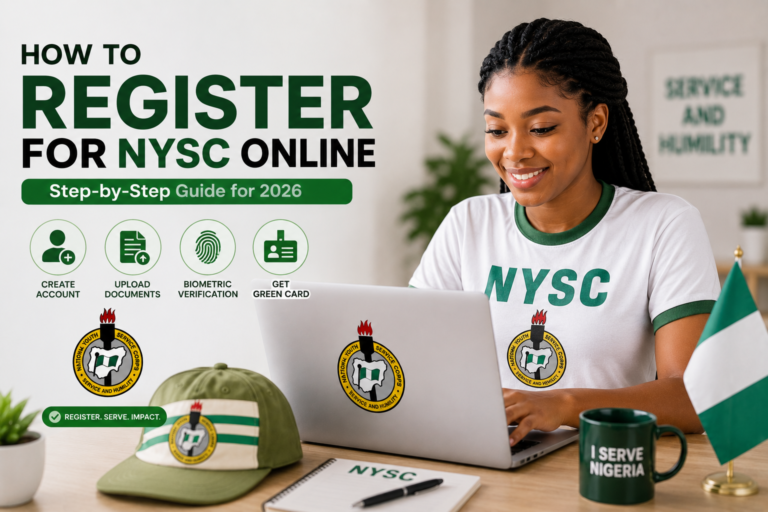
The good news is that registering on the NYSC Registration Portal is straightforward when you follow the correct steps. This section walks you through the entire process, from creating your account to printing your Green Card.
Step 1: Confirm That Your Name Is on the NYSC Senate List
Before creating an account on the NYSC Registration Portal, the first thing you should do is confirm that your institution has uploaded your details.
If your name is not on the Senate List, you will not be able to complete registration.
You can verify your status on the official portal:
If your name is missing:
- Contact your institution’s Student Affairs Division.
- Confirm that your graduation has been approved.
- Ensure your details were submitted correctly to NYSC.
Do not attempt registration until your Senate List status has been resolved.
Step 2: Visit the Official NYSC Registration Portal
When registration officially opens, visit:
Never use unofficial websites or shortened links claiming to offer faster registration.
Once on the homepage, select “Mobilization Batch Registration” to begin the registration process.
Step 3: Create Your NYSC Account
First-time users must create an account before accessing the registration portal.
You will need:
- A valid email address
- A secure password
- Your full name
Choose an email address you check regularly because NYSC uses it for:
- Registration updates
- Password recovery
- Important notifications
- Call-Up Letter information
After submitting your details, check your email and activate your account if required.
Step 4: Complete Your Personal Information
After logging into your account, you will be asked to provide personal details such as:
- Full name
- Date of birth
- Gender
- State of origin
- Local Government Area
- Phone number
- Residential address
Ensure every detail matches your official documents.
Errors at this stage may affect:
- Mobilization
- Camp registration
- Certificate issuance
Always review your information before moving to the next page.
Step 5: Enter Your Academic Information
Next, complete your educational details.
You may be required to provide:
- Institution name
- Course of study
- Graduation date
- Matriculation number
- JAMB Registration Number (where applicable)
Foreign-trained graduates will also provide additional academic information and supporting documents.
Accuracy is very important because NYSC verifies these records with your institution.
Step 6: Upload Required Documents
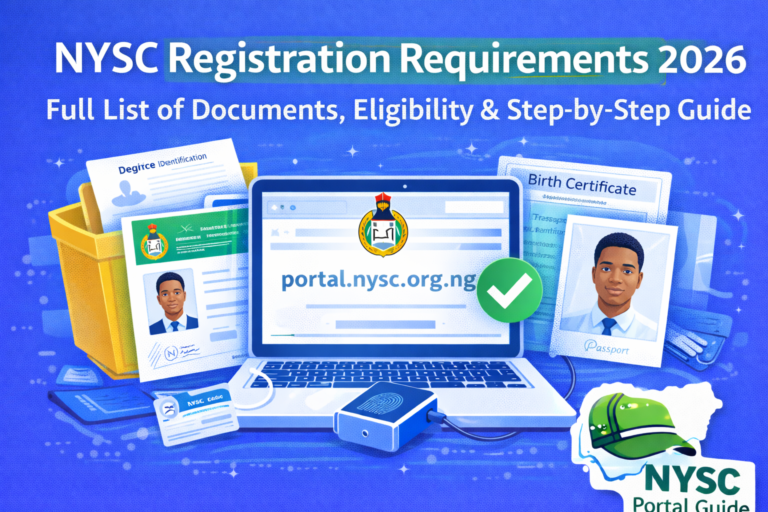
The NYSC Registration Portal requires clear copies of specific documents.
These may include:
- Passport photograph
- Degree certificate or Statement of Result
- Means of identification
- Birth certificate or Declaration of Age
Foreign-trained graduates may also upload:
- International passport
- Entry visa pages
- Residence permit
- Academic transcripts
- Evaluation documents where required
Ensure:
- Documents are clear
- File sizes meet portal requirements
- Images are not blurred
Poor-quality uploads may delay approval.
Step 7: Complete Biometric Capture
Biometric verification is one of the most important stages of NYSC registration.
You will be required to capture:
- Fingerprints
- Facial photograph
Tips for successful biometric capture:
- Use a supported browser.
- Sit in a well-lit environment.
- Keep your fingers clean.
- Follow the on-screen instructions carefully.
If biometric capture fails, refresh the page and try again later rather than repeatedly submitting the same request.
Step 8: Review Your Registration
Before clicking Submit, carefully review everything you entered.
Check:
- Name spelling
- Date of birth
- Institution details
- Passport photograph
- Uploaded documents
Some details become difficult or impossible to change after submission.
Taking a few extra minutes here can prevent months of unnecessary delays.
Step 9: Submit Your Registration
Once satisfied, submit your application.
The NYSC Registration Portal will process your information and generate your registration record.
If successful, your dashboard will be updated accordingly.
Step 10: Print Your NYSC Green Card
After successful registration, your Green Card becomes available.
The Green Card contains:
- Personal information
- Registration details
- Call-Up information (when available)
- NYSC reference information
Download and print multiple copies for future use.
Common Mistakes to Avoid During NYSC Registration
Many prospective corps members encounter problems because of simple mistakes.
Avoid the following:
Using Incorrect Information
Do not guess details or use information that differs from your official records.
Registering With Someone Else’s Email
Always use your own email address.
Sharing accounts can cause problems when recovering passwords or receiving important NYSC notifications.
Uploading Poor-Quality Documents
Blurry images often lead to verification delays.
Use clear scans instead of photographs whenever possible.
Waiting Until the Last Day
The NYSC Registration Portal experiences heavy traffic during the final days of registration.
Registering early reduces:
- Slow loading
- Login issues
- Submission failures
Ignoring Official Instructions
Always read every instruction displayed on the portal before proceeding.
Skipping instructions often leads to avoidable errors.
What Happens After Registration?
Once you complete registration successfully:
- Your information is verified.
- NYSC prepares mobilization records.
- Call-Up Letters are generated.
- Deployment begins.
- Orientation Camp information is released.
Your dashboard will continue updating as each stage becomes available.
Helpful Tips for a Smooth Registration
To make your NYSC registration easier:
- Prepare all documents before registration opens.
- Use a reliable internet connection.
- Save copies of every uploaded document.
- Print your Green Card immediately after registration.
- Monitor your dashboard regularly for updates.
These simple steps can help you avoid many common registration problems.
Section 3: NYSC Registration Portal Problems, FAQs, Important Tips & Final Guide (2026)
Congratulations! If you’ve followed the previous sections, you now understand how the NYSC Registration Portal works and the complete registration process. However, even after registering correctly, many prospective corps members still encounter challenges that delay their mobilization or create unnecessary confusion.
This final section explains the most common NYSC registration portal problems, how to solve them, answers frequently asked questions, and provides useful tips to help you complete your NYSC journey successfully in 2026.
Common NYSC Registration Portal Problems and How to Fix Them
Every registration exercise comes with technical issues affecting thousands of users. Fortunately, most of these problems have simple solutions.
1. Name Not Found on the Senate List
This is one of the most common problems prospective corps members face.
If the NYSC Registration Portal displays:
“No Record Found”
it usually means:
- Your institution has not uploaded your records.
- Your graduation has not been approved.
- Your details were submitted incorrectly.
How to Fix It
- Contact your institution’s Student Affairs Office.
- Confirm your name appears on the approved Senate List.
- Wait for your institution to upload your records before attempting registration again.
Unfortunately, NYSC cannot manually add your name if your school has not submitted it.
2. NYSC Registration Portal Is Not Opening
Sometimes the portal becomes slow or refuses to load.
This usually happens because:
- Registration has not officially started.
- The registration window has closed.
- Too many users are online simultaneously.
- NYSC is performing maintenance.
Possible Solutions
- Try again during off-peak hours.
- Use a different browser.
- Clear your browser cache.
- Ensure you have a stable internet connection.
3. Biometric Capture Failed
Biometric verification is compulsory.
Common causes include:
- Unsupported browser
- Poor internet connection
- Dirty fingerprint scanner
- Browser permission restrictions
Solution
- Refresh the page.
- Restart your browser.
- Try another supported browser.
- Use a different computer if necessary.
4. Incorrect Personal Information
Mistakes involving:
- Name
- Date of birth
- Institution
- Course of study
can create serious problems later.
Always review every detail before submitting your registration because some corrections may only be available during designated correction periods announced by NYSC.
5. Unable to Print Green Card
If your Green Card is unavailable:
- Your registration may still be processing.
- Registration may not have been completed successfully.
- NYSC verification may still be ongoing.
Wait for your dashboard to update before attempting to print again.
Safety Tips for Using the NYSC Registration Portal
Since many fake websites appear during registration periods, always protect yourself.
Use Only the Official Portal
Always register through:
Avoid unofficial websites asking for your login details.
Never Share Your Password
Do not give your NYSC login details to:
- Cyber cafés
- Friends
- Agents
- Social media groups
Only you should have access to your dashboard.
Beware of Fake NYSC Agents
Scammers often promise:
- Preferred state deployment
- Early Call-Up Letters
- Faster registration
- Guaranteed relocation
These claims are false.
No individual can influence your NYSC registration outside official procedures.
Save Your Documents
Always keep copies of:
- Green Card
- Registration Slip
- Passport Photograph
- Confirmation Emails
Store both digital and printed copies for future reference.
Frequently Asked Questions (FAQ)
What is the official NYSC Registration Portal?
The official registration portal is:
Is the NYSC Registration Portal free?
Creating an account and registering on the portal is free. If there are any official service charges, they will be clearly displayed on the official portal during registration.
Can I register for NYSC using my phone?
Yes.
However, using a laptop or desktop computer is recommended because document uploads and biometric capture are generally easier.
Can I edit my information after registration?
Some corrections are allowed during official correction windows.
Others cannot be changed after submission.
Always review your information carefully before submitting.
Why is my dashboard empty after registration?
An empty dashboard usually means:
- NYSC has not activated the next stage.
- Your registration is still being processed.
- Call-Up Letters have not yet been released.
How do I recover my NYSC password?
Click “Forgot Password” on the login page and follow the instructions sent to your registered email address.
When does the NYSC Registration Portal open?
The portal opens according to the NYSC mobilization calendar for:
- Batch A
- Batch B
- Batch C
Always rely on official NYSC announcements for registration dates.
Can someone register for me?
Although another person can help you complete the process, you remain responsible for all information submitted.
Always verify every detail before final submission.
Final Tips Before You Register
Before registration begins:
✔ Confirm your Senate List status.
✔ Prepare all required documents.
✔ Use your personal email address.
✔ Ensure your passport photograph meets NYSC requirements.
✔ Register early to avoid heavy portal traffic.
✔ Use only the official NYSC Registration Portal.
Following these recommendations will reduce mistakes and make your registration process much smoother.
Related Guides You Should Read
To better prepare for every stage of your NYSC journey, you may also find these guides on nyscportalguide.com helpful:
- NYSC Registration Requirements
- NYSC Portal Login
- NYSC Dashboard Login
- How to Check NYSC Call-Up Letter
- Requirements for NYSC Camp
- Is NYSC Portal Open?
- NYSC Green Card Printing Guide
- How to Print Your NYSC Call-Up Letter
- NYSC Senate List Guide
Reading these related articles will help you understand the complete NYSC process from registration to orientation camp.
Conclusion
The NYSC Registration Portal is the official gateway to every stage of your National Youth Service Corps journey. From creating your account and completing online registration to uploading documents, biometric verification, Green Card printing, and eventually receiving your Call-Up Letter, every major activity begins on this portal.
Understanding how the portal works before registration opens can save you from common mistakes, unnecessary delays, and misinformation. By using only the official portal, preparing your documents early, confirming your Senate List status, and carefully reviewing every detail before submission, you greatly improve your chances of completing your registration successfully.
As NYSC procedures continue to evolve in 2026, always rely on official announcements and trusted informational resources rather than rumors shared on social media.
For more comprehensive, step-by-step NYSC guides, portal updates, registration tips, dashboard tutorials, camp preparation advice, and troubleshooting articles, continue exploring nyscportalguide.com. Our goal is to provide accurate, easy-to-understand information that helps Nigerian graduates complete every stage of the NYSC process with confidence.